
First-Time Access to the Help Desk
Log into MyUNOH.
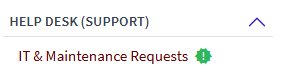
Click on the IT & Maintenance Requests link under the Help Desk heading in My Apps
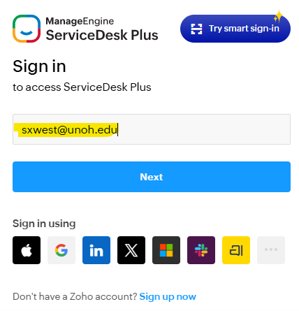
Faculty and staff who access the system for the first time may need to provide their UNOH email address, then click Next.
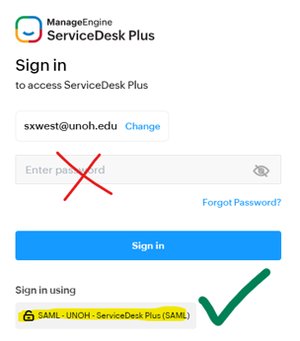
Instead of using a password, simply click on the single sign-on button (SAML) to log in
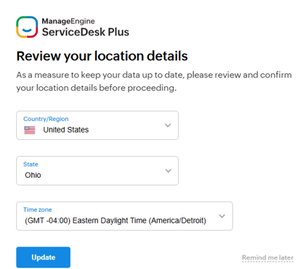
Set your region and time zone settings and click Update.
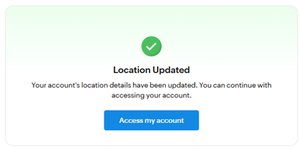
Congratulations! Your new Help Desk account is created.
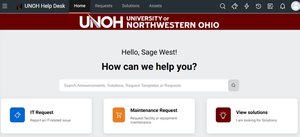
Upon logging in, you will be greeted with the home page. From here, you can submit technical support requests or maintenance requests.